

Google Sheets Task Tracker Template for Clearer Task Management
The Google Sheets Task Tracker Template helps professionals, freelancers, small businesses and individuals organize tasks, priorities, categories and progress in one structured cloud-based workspace.
Instead of managing work across scattered notes or disconnected to-do lists, keep tasks, priorities and status information together in one clear spreadsheet.
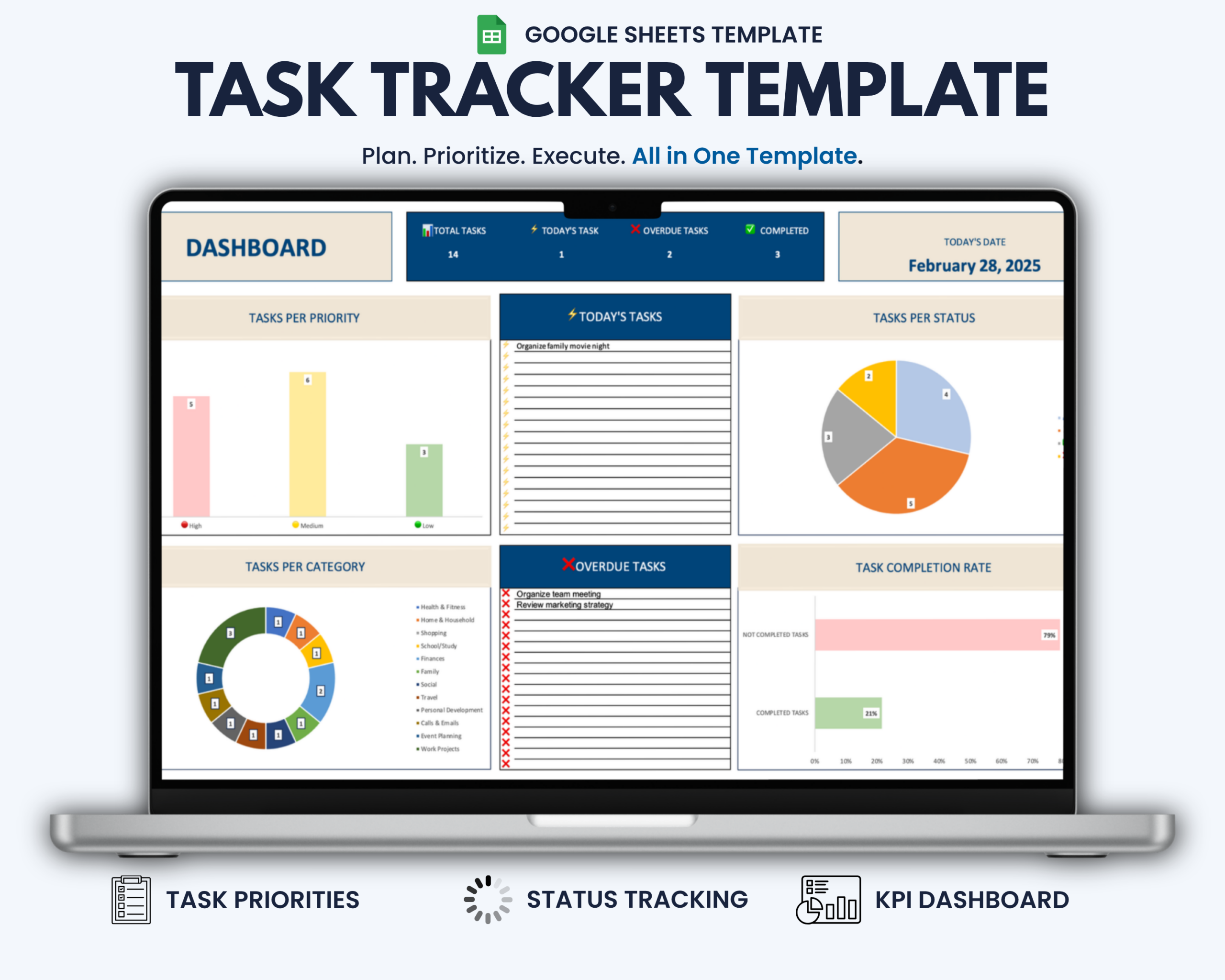
Automatic status tracking and a dynamic KPI dashboard help you quickly identify what is in progress, overdue or completed and maintain a clearer view of your current workload.
What This Task Tracker Helps You Do
- Organize work, project and everyday tasks in one place
- Prioritize important tasks
- Group tasks by category
- Track progress across multiple status types
- Identify overdue tasks quickly
- Review key task metrics through a visual dashboard
- Monitor task progress with charts and KPIs
- Reduce scattered task lists and manual progress tracking
What’s Included
Your purchase includes:
- 1 Task Tracker template for Google Sheets
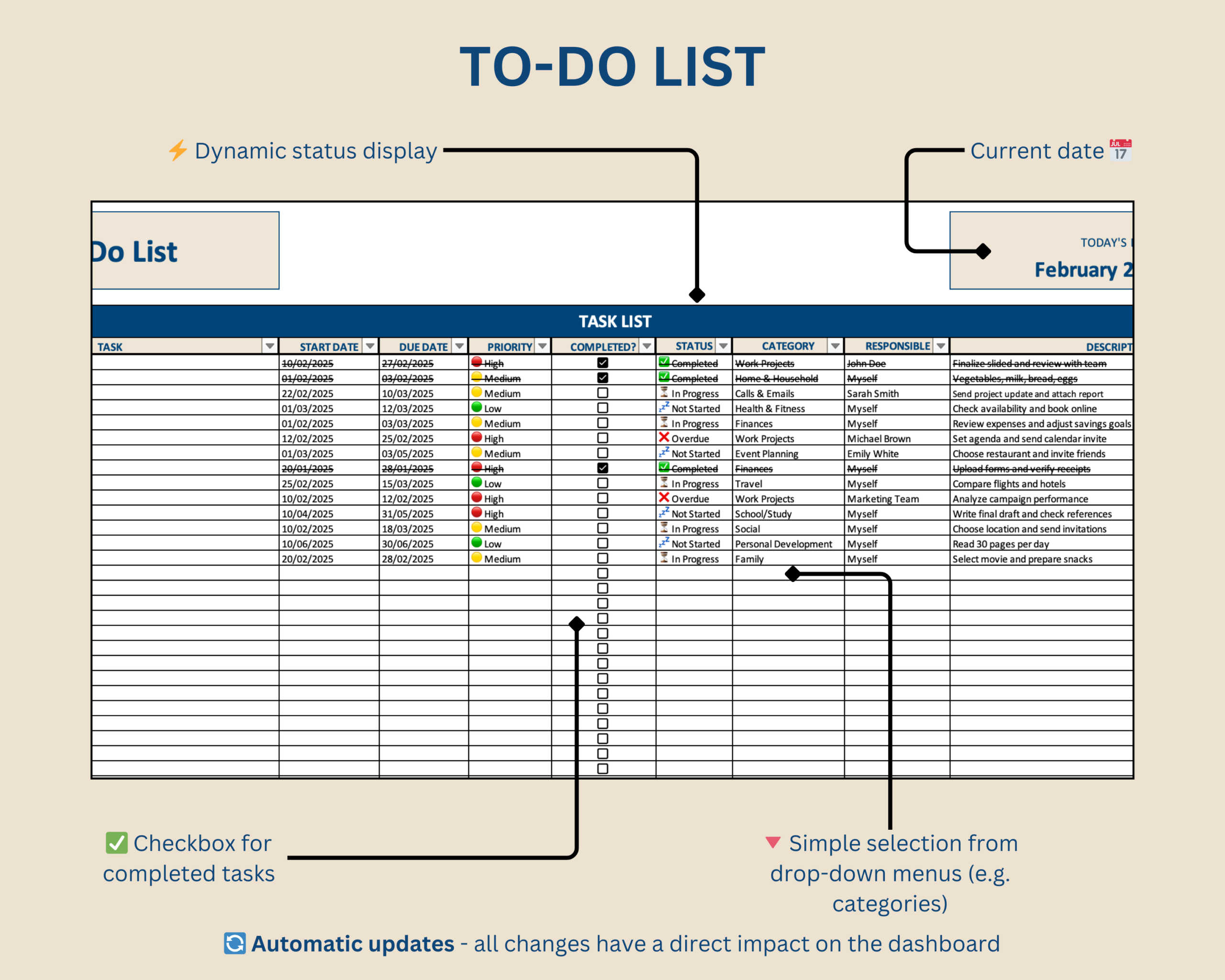
- Structured task management workspace
- Priority and category tracking
- Automatic task status display
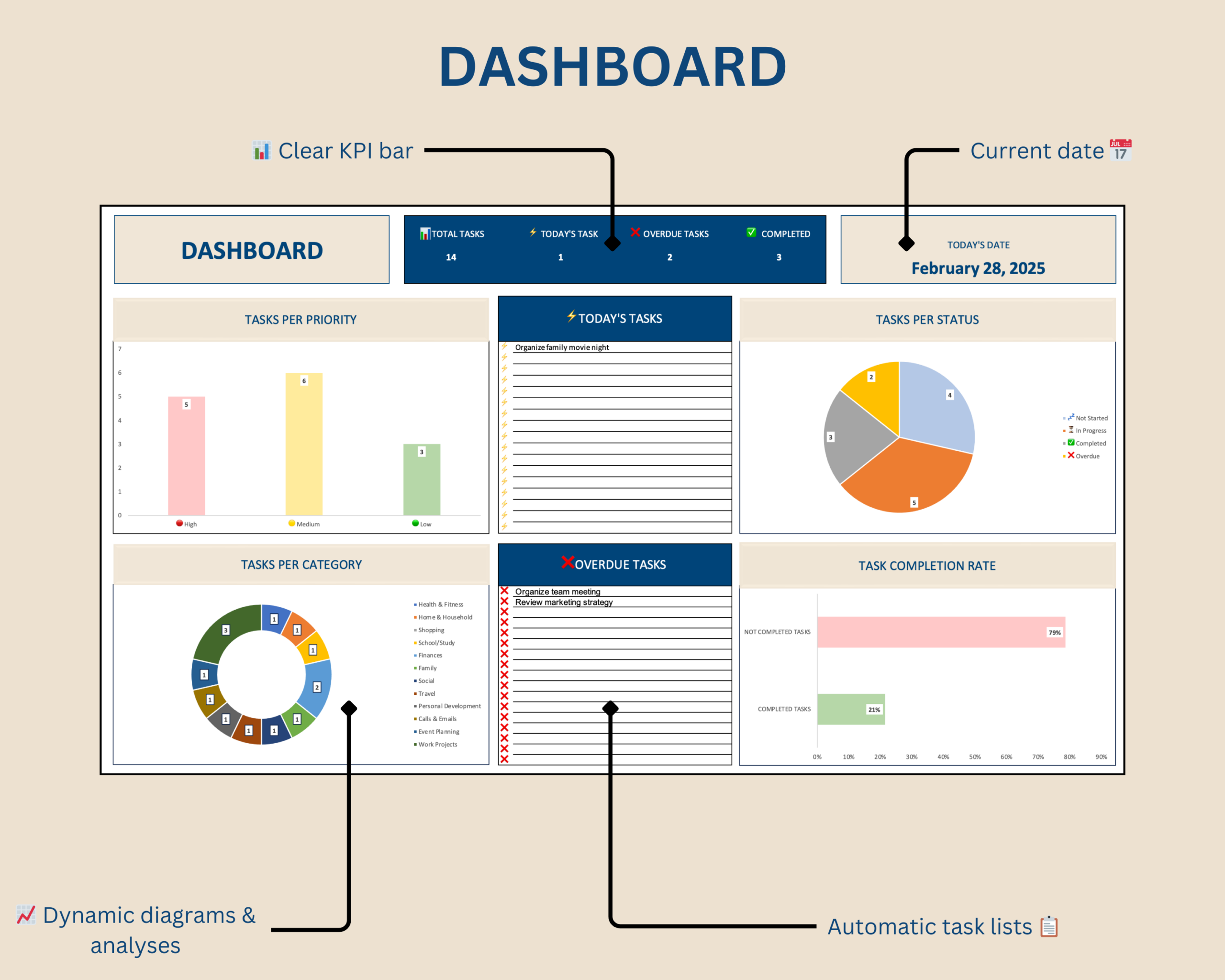
- Dynamic KPI dashboard
- Visual task and progress charts
- User-friendly dropdown menus
- Downloadable access PDF containing the template link
Key Features
- Automatic task status display
- Priority-based task organization
- Category-based task organization
- Dynamic KPI dashboard
- Visual task and progress charts
- User-friendly dropdown menus
- Clean and structured spreadsheet design
- Reusable format for different projects and workflows
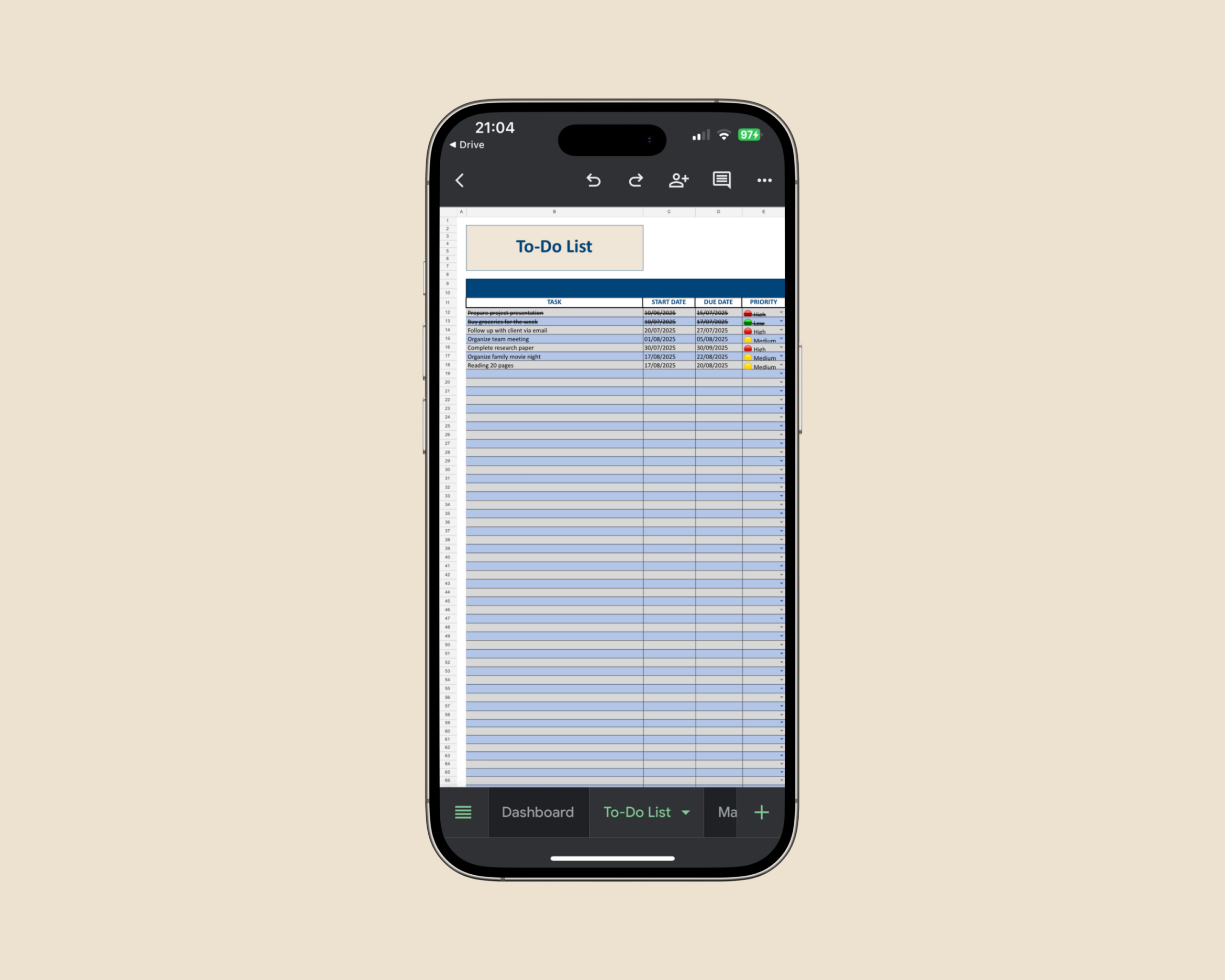
- Cloud-based access through Google Drive
- No software installation required
Included Status Types
The tracker includes four task statuses:
- Not Started
- In Progress
- Overdue
- Completed
These statuses make it easier to see which tasks require attention and maintain a clear overview of your workload.
How It Works
- Download the access PDF after purchase.
- Open the included link and create your personal Google Sheets copy.
- Add the tasks you want to manage.
- Organize tasks using priorities, categories and the available dropdown menus.
- Review task status and progress through the automated dashboard.
The result is one structured overview of your tasks, priorities and progress.
Built for Professionals and Everyday Workflows
This Google Sheets task tracker is particularly suitable for:
- Freelancers managing day-to-day priorities
- Professionals organizing work and project tasks
- Consultants managing project and client activities
- Small businesses managing internal tasks
- Agencies and service providers
- Students organizing study-related tasks
- Individuals who want a structured task management system
Google Sheets Compatibility
This product includes the Google Sheets version only.
A free Google account, internet connection and current web browser are required.
No software installation is necessary. The template is copied to your own Google Drive and can then be accessed directly through Google Sheets.
Microsoft Excel Version
Prefer to manage your tasks in Microsoft Excel?
A dedicated Microsoft Excel version of the Task Tracker is available separately in the Optimizoo shop.
Downloading or converting the Google Sheets template to Excel may affect formulas, formatting, dropdown menus and automated functionality. For reliable use in Microsoft Excel, use the dedicated Excel version.
Google Sheets Access
After purchase, download the included access PDF.
The PDF contains the link required to create a personal copy of the Task Tracker in your own Google Drive.
Once copied, you can edit and use your personal template directly through Google Sheets.
Important Information
- This is a digital product. No physical item will be shipped.
- Your purchase includes an access PDF containing the Google Sheets template link.
- The template must be copied to your own Google Drive before use.
- A free Google account is required.
- This product includes the Google Sheets version only.
- A dedicated Microsoft Excel version is available separately.
- The template is intended for task organization, planning and internal workflow management.
- It is not intended for Microsoft Excel, Apple Numbers or other spreadsheet applications.
- Please review the compatibility information before purchasing.
If you experience a technical issue with the template, please contact the Optimizoo support team.
License and Conditions of Use
Your purchase includes a non-exclusive, non-transferable license for personal, business and educational use.
You May
- Use the template for personal purposes
- Use the template internally within your own business
- Use the template for educational purposes such as teaching or studying
You May Not
- Resell, share or redistribute the template
- Upload, sublicense or reproduce the template in whole or in part
- Use the template to create products or services for clients or customers
- Redistribute modified or unmodified versions of the template
The license is granted for an unlimited period. Restrictions relating to resale, sharing and redistribution apply permanently.
Keep Tasks and Priorities in One Clear Overview
Use the Google Sheets Task Tracker Template to organize tasks, monitor priorities and track progress in one structured workflow.
Keep your workload visible and make it easier to identify what needs attention without building your own task management spreadsheet from scratch.

Reviews
There are no reviews yet.