


SWOT Analysis Excel Template for Strategic Planning
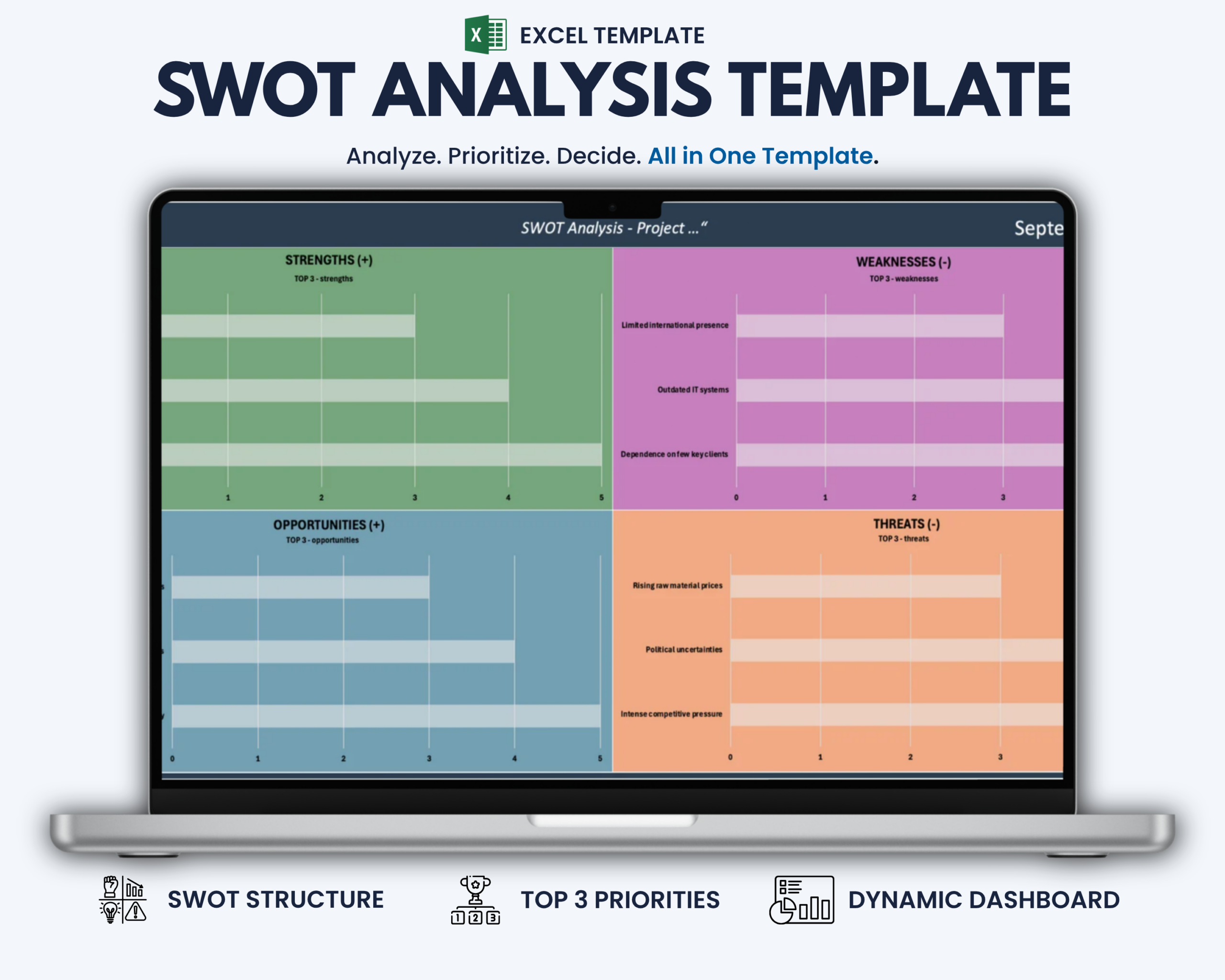
The SWOT Analysis Excel Template helps businesses, consultants, project teams and professionals turn strategic observations into a clear and structured analysis.
Capture Strengths, Weaknesses, Opportunities and Threats, assign priorities to each item and automatically identify the most important insights in every SWOT category.
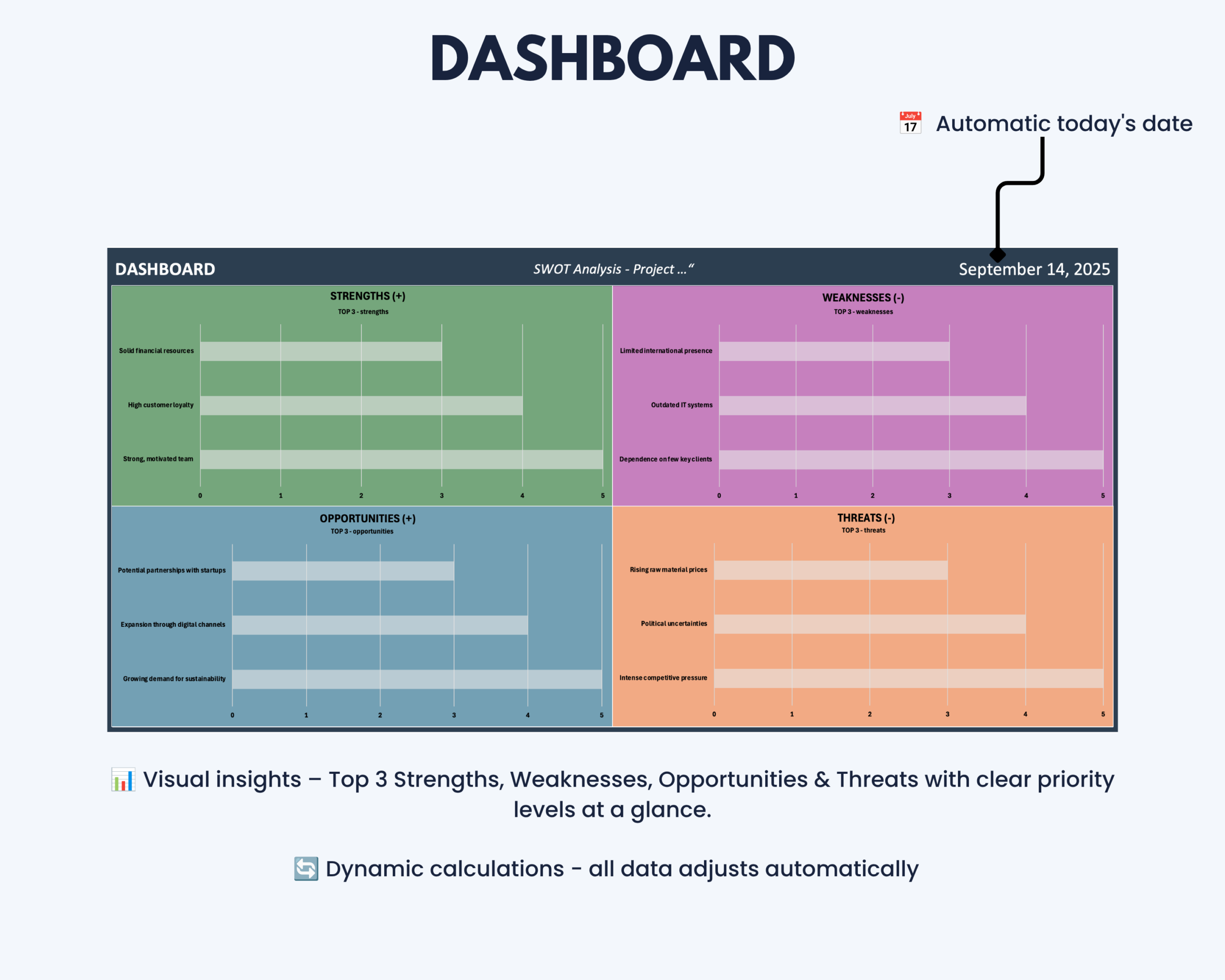
The integrated dashboard presents your results visually, making it easier to review priorities, discuss strategic options and keep your analysis presentation-ready.
What This SWOT Analysis Template Helps You Do
- Structure Strengths, Weaknesses, Opportunities and Threats in one workbook
- Prioritize SWOT findings using a simple 1–5 rating system
- Automatically identify the Top 3 insights in each quadrant
- Keep strategic observations organized and easy to review
- Visualize your SWOT analysis through a clear dashboard
- Prepare structured inputs for strategy workshops and business reviews
- Support project, business and organizational planning
- Reduce manual ranking and presentation work
What’s Included
Your digital download includes:
- Microsoft Excel SWOT Analysis template
- Structured Strengths table
- Structured Weaknesses table
- Structured Opportunities table
- Structured Threats table
- Priority-based ranking system
- Automatic Top 3 calculation for each SWOT quadrant
- Visual SWOT dashboard
- Protected helper areas for a cleaner workflow
- Integrated step-by-step instructions
How the SWOT Framework Works
SWOT analysis organizes strategic factors into four areas:
- Strengths – internal advantages, capabilities or positive factors
- Weaknesses – internal limitations or areas for improvement
- Opportunities – external developments or conditions that may create potential
- Threats – external risks or developments that may negatively affect your objectives
The template helps you capture these factors consistently and prioritize the most relevant insights for further discussion and decision-making.
Key Features
- Structured SWOT tables
- Dropdown-based priority selection from 1 to 5
- Automatic Top 3 calculation for each SWOT quadrant
- Visual SWOT dashboard
- Color-coded quadrant visualization
- Separate input and helper-data areas
- Protected worksheet areas for a cleaner workflow
- Editable and customizable input fields
- Reusable structure for different businesses, projects and strategy sessions
How It Works
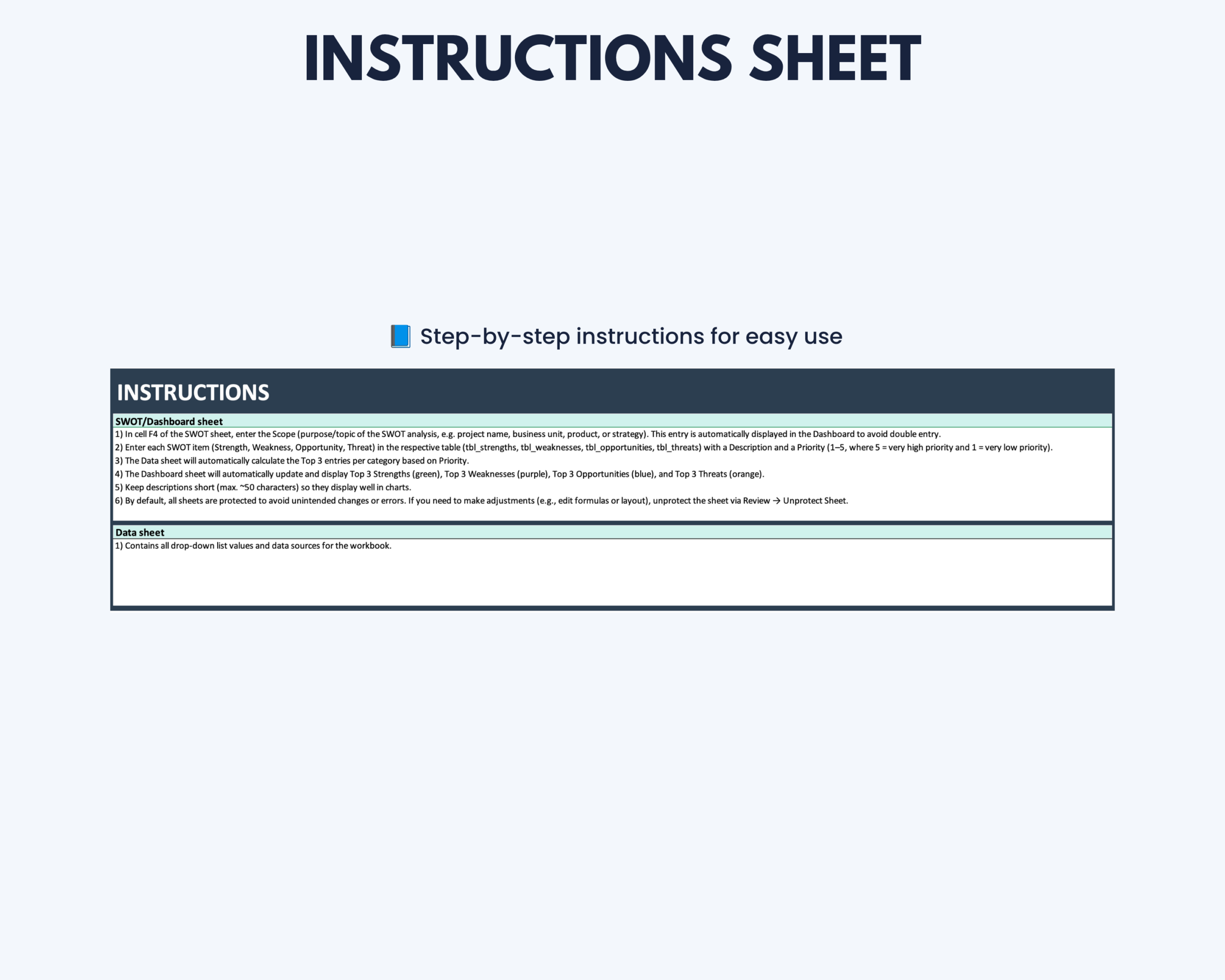
- Add your Strengths, Weaknesses, Opportunities and Threats.
- Assign a priority value from 1 to 5 to each item.
- Review the automatically calculated Top 3 insights in each category.
- Use the dashboard to visualize and discuss the most important strategic findings.
- Update your analysis whenever priorities or business conditions change.
The result is one structured view of your SWOT analysis and the factors that deserve the most attention.
Built for Business and Strategic Planning
This Excel SWOT template is particularly suitable for:
- Small businesses and business owners
- Consultants
- Strategy and management teams
- Project managers and project teams
- Agencies and service businesses
- Professionals preparing strategy workshops
- Teams conducting business or project reviews
- Anyone who needs a reusable SWOT analysis workflow
Microsoft Excel Compatibility
This product is designed for Microsoft Excel and optimized for current desktop versions.
Older Excel versions or alternative spreadsheet applications may not display all formulas, colors, formatting or automated functionality correctly.
Google Sheets, Apple Numbers and other spreadsheet applications are not recommended unless specifically stated otherwise.
A current desktop version of Microsoft Excel is recommended for reliable functionality.
Customization and Worksheet Protection
The SWOT entries and priorities can be edited to match your own business, project or strategic planning context.
Helper data is separated from the main input areas to keep the workbook clean and easier to use.
Protected worksheet areas help reduce accidental changes to important formulas or supporting calculations.
Important Information
- This is a digital product. No physical item will be shipped.
- The purchase includes the Microsoft Excel SWOT Analysis template.
- The template is intended for strategic planning, analysis and internal organization.
- SWOT findings and priorities depend on the information and assessments entered by the user.
- The template supports structured decision-making but does not replace professional strategic, financial, legal or other specialist advice.
- Compatibility and functionality may differ in older Excel versions or alternative spreadsheet applications.
- Please review the compatibility information before purchasing.
If you experience a technical issue with the file, please contact the Optimizoo support team.
License and Conditions of Use
Your purchase includes a non-exclusive, non-transferable license for personal, business and educational use.
You May
- Use the file for personal purposes
- Use the template internally within your own business
- Use the template for educational purposes such as teaching or studying
You May Not
- Resell, share or redistribute the template
- Upload, sublicense or reproduce the template in whole or in part
- Use the template to create products or services for clients or customers
- Redistribute modified or unmodified versions of the template
The license is granted for an unlimited period. Restrictions relating to resale, sharing and redistribution apply permanently.
Turn SWOT Insights Into a Clear Strategic Overview
Use the SWOT Analysis Excel Template to organize strategic findings, identify the highest-priority factors and present your analysis in one structured dashboard.
Move from scattered observations to a clearer strategic view without building your own SWOT system from scratch.


Reviews
There are no reviews yet.